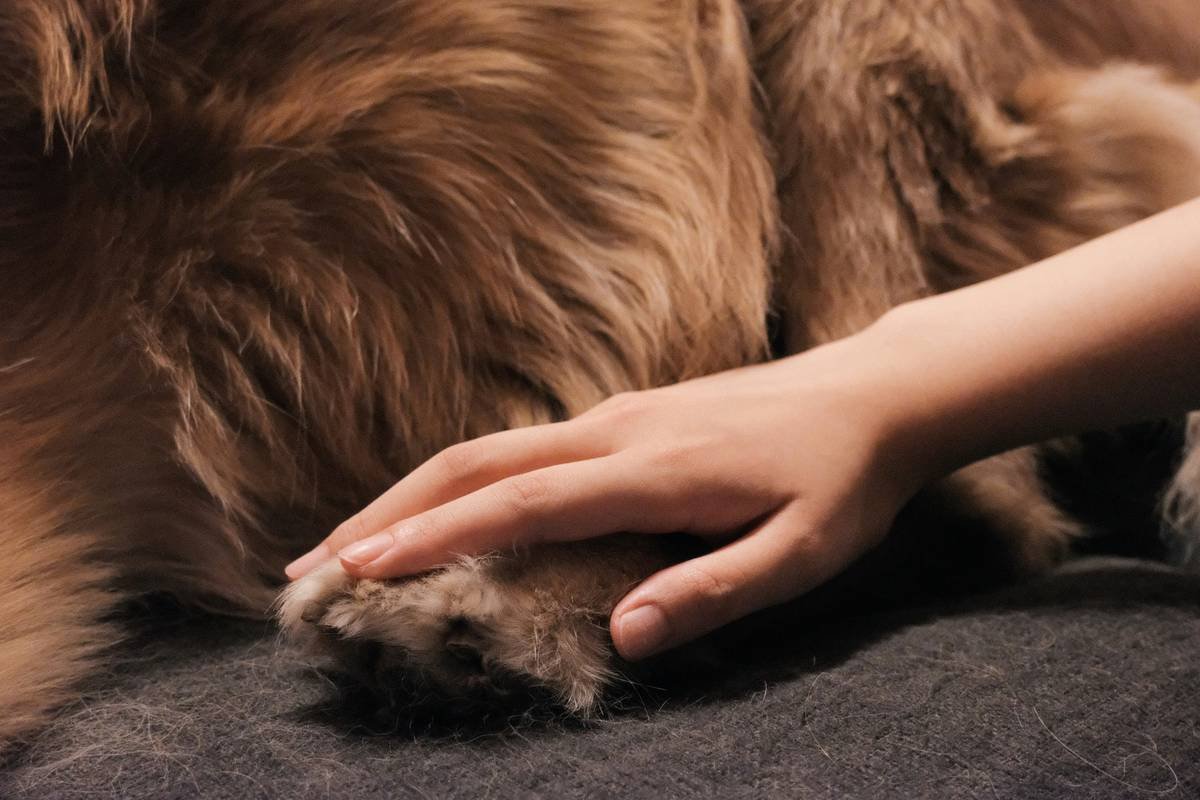
“Ever spent $50 on a fancy automated pet toy, only for it to stop working because the app won’t update anymore? Yeah, we’ve been there too.” Legacy device support can feel like navigating an ancient ruin when you’re just trying to keep your dog entertained. But here’s the good news—you don’t have to toss out that beloved gadget yet!
In this post, we’re diving deep into the world of legacy device support for pet toys and accessories. You’ll discover why manual overrides are your secret weapon, how to troubleshoot old devices, tips for extending their lifespan, and real-world examples of pets happily playing with “obsolete” gadgets. Plus, we’ve got some brutal truths about planned obsolescence—because #rantneeded.
Table of Contents
- Why Manual Overrides Matter
- Step-by-Step Guide to Using Manual Overrides
- Tips for Extending Your Pet Devices’ Lifespan
- Real-World Success Stories
- FAQs About Legacy Device Support
Key Takeaways
- Manual overrides let you use legacy pet toys without relying on outdated apps or firmware updates.
- Proper care (like cleaning battery contacts and checking wiring) can breathe new life into older pet devices.
- Ditching smart features sometimes means more playtime—for both you and your furry friend!
Why Manual Overrides Are Game-Changers for Legacy Devices
Picture this: It’s Saturday morning, and your Golden Retriever is staring at you with those big puppy-dog eyes, ready to play fetch. But when you reach for his favorite robotic ball launcher—the one he literally *lives* for—it refuses to turn on. After a frantic Google search, you realize the company behind it went bankrupt three years ago, leaving no app support. Panic sets in.
That’s where manual overrides come in. These sneaky little backdoors allow you to bypass dead software or apps and operate your pet’s toy using physical buttons, switches, or even DIY modifications. Not all hope is lost! In fact, understanding manual override options could save you hundreds of dollars in replacement costs.
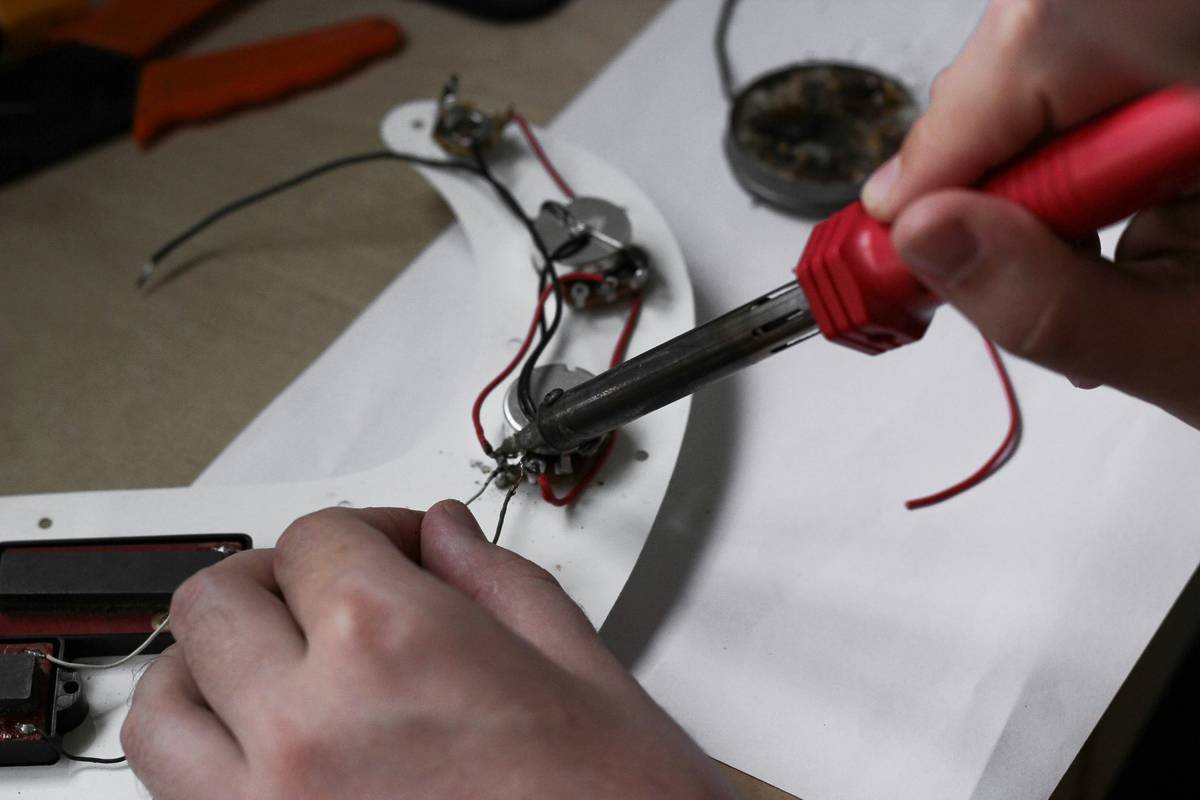
(Yes, that tiny red switch might be your hero.)
How to Use Manual Overrides on Legacy Pet Toys
Optimist You: “This will totally work!”
Grumpy You: “Ugh, fine—but I’m eating pizza after this.”
Step 1: Check the User Manual
If you still have the original packaging or manual, give yourself a pat on the back. Look for terms like “manual operation,” “alternative mode,” or instructions for using physical controls.
Step 2: Inspect the Device Closely
Sometimes manufacturers hide manual override buttons under removable panels or behind protective covers. Grab a screwdriver if necessary (just don’t void any warranties).
Step 3: Reset or Rewire (Advanced Mode)
For tech-savvy pet parents, rewiring old toys or resetting their circuits might do the trick. A YouTube tutorial or online forum dedicated to your specific brand/model can provide insights into these hacks. Just remember: safety goggles are chic.
5 Pro Tips for Keeping Legacy Pet Toys Alive
- Store Batteries Separately: Leaving batteries inside unused devices can cause corrosion over time. Always remove them before long-term storage.
- Clean Regularly: Gunk buildup from slobber or dirt can jam moving parts. Use a damp cloth to clean surfaces and compressed air for hard-to-reach spots.
- Upgrade Firmware Early: If the manufacturer offers firmware updates, download them ASAP while they’re still available.
- Avoid Overcharging: Lithium-ion batteries hate being overcharged. Unplug chargers once fully powered up.
- Consider Retrofits: Convert old electronic toys into purely mechanical ones by removing unnecessary electronics.
Terrible Tip Disclaimer: Trying to fix water-damaged toys with a hairdryer usually ends badly. Trust us—we tried it. Twice.
Paws & Applause: Real Stories of Saved Devices
We spoke with Sarah P., a proud cat mom who saved her cat’s interactive laser toy from obscurity. “The app kept crashing, so I figured out how to manually adjust the laser pointer tilt angle by tweaking its internal screws,” she says. “Now my cat chases the dot nonstop!”
Another success story comes from Tom R., whose dog refused to give up his aging fetch machine. “I found a Reddit thread explaining how to disable Bluetooth connectivity entirely. Now it works perfectly as a standalone device!”
Frequently Asked Questions About Legacy Device Support
- What exactly does ‘legacy device support’ mean?
- It refers to maintaining and troubleshooting older devices after official support ends, often through manual overrides or independent repairs.
- Can I modify my pet’s toy myself?
- Yes, but proceed carefully and consult tutorials or professionals if unsure. Improper modifications may lead to damaged devices—or worse, injury.
- How do I find replacement parts?
- Check eBay, Amazon, or niche online communities. Sometimes third-party sellers offer compatible components for discontinued models.
Final Thoughts on Legacy Device Support for Pet Lovers
Legacy device support isn’t just about saving money—it’s about preserving joy. Whether it’s reviving a dusty automated treat dispenser or fixing a glitchy squeaky chew toy, these efforts remind us that pets care less about flashy tech and more about simple pleasures.
So next time you think about replacing that clunky old gadget, consider giving it another shot instead. And hey, treat yourself to that extra-large coffee afterward—you deserve it.
Like a Tamagotchi, your pet’s toys need daily care—but unlike virtual pets, they bark for belly rubs.